The Complete Planning Resource

Golf Simulator Buying Guide.

Fifty expert answers to help you plan the room, choose the technology, understand where to spend, and avoid expensive mistakes before you place an order.

50buying decisions answered
08chapters from planning to ownership
01coordinated room, technology, and build plan

How To Use This Guide

Start With Your Goals—Not A Package.

A golf simulator is a collection of interdependent decisions. The launch monitor affects the room. The projector affects the screen. The screen affects the enclosure. The flooring affects the mat and putting surface. Construction, power, lighting, climate, and software must support the entire system.

This guide is organized in the order most buyers should think: plan the project, define the experience, select technology, design the room, understand the budget, and prepare for ownership.

01

Start With The Plan

Plan Before You Buy

The most expensive simulator mistakes usually happen before the equipment is ordered. Start by defining the room, the way you want to use it, and which decisions must be made together.

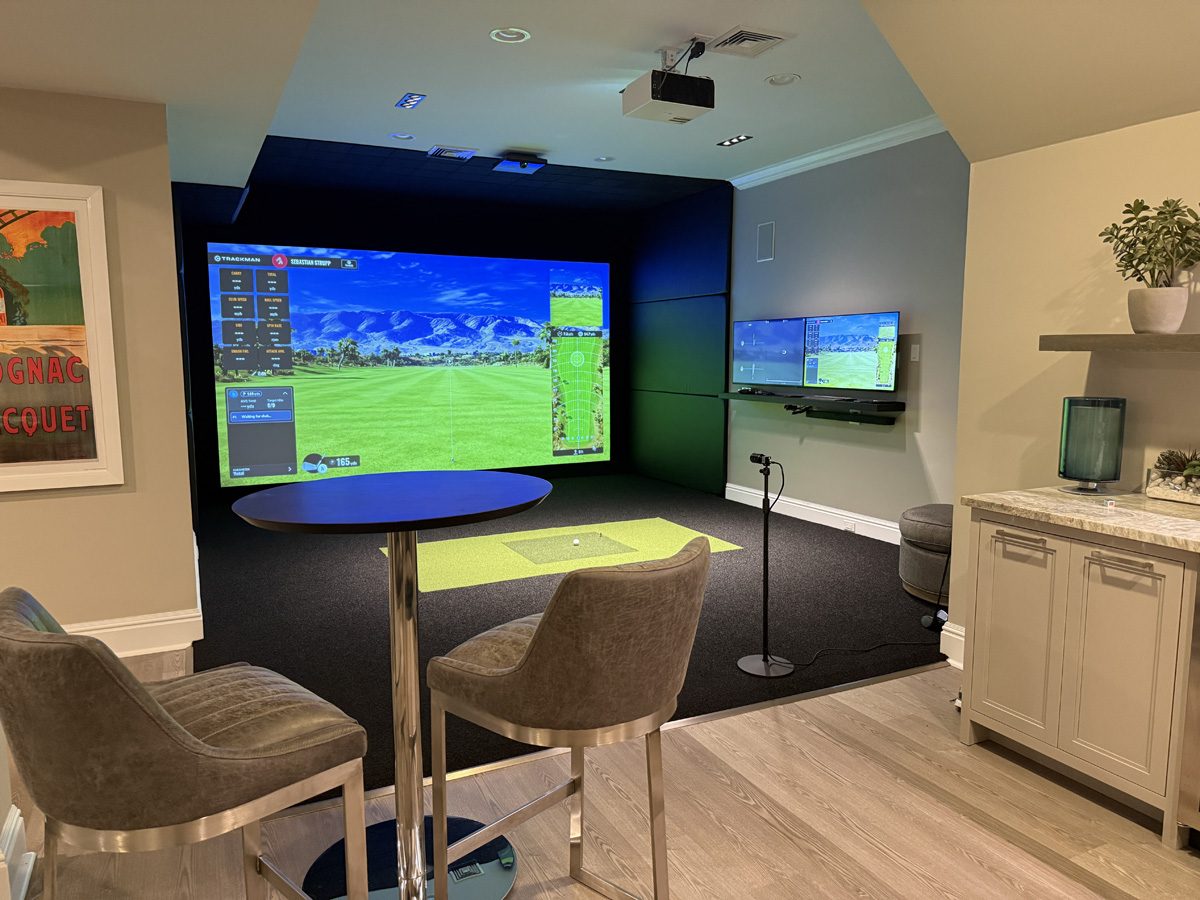
Custom residential golf simulator planned as a complete room

When should I start planning my golf simulator?

Start planning before construction, remodeling, or equipment purchases begin. For a room that already exists, begin several months before you want to play. For a new home, detached structure, or commercial build-out, involve the simulator designer while the floor plan, electrical, HVAC, and ceiling details can still be changed. Early planning creates more equipment choices and prevents finished work from being removed later.
Should the room design or the launch monitor come first?

They should be selected together. The room controls what can physically fit, while the launch monitor affects hitting position, mounting height, lighting, ball flight distance, and left- and right-handed play. Choosing one without the other can force compromises. We normally begin with verified room measurements and intended use, then narrow the technology to systems that fit the space correctly.

How should I prioritize my budget?

Protect the parts that determine safety, accuracy, comfort, and reliability first: room dimensions, launch monitor fit, screen system, hitting mat, projector placement, electrical, and computer performance. Decorative finishes, extra televisions, specialty lighting, seating, and putting features can be layered in after the core experience is right. A balanced simulator is usually better than one premium component surrounded by compromises.

Can I build the simulator in phases?

Yes, provided the first phase is designed for the finished vision. Conduit, outlets, blocking, equipment locations, screen dimensions, flooring heights, and HVAC should be planned at the beginning even if cameras, televisions, putting, cabinetry, or premium finishes are added later. Phasing works poorly when future components require moving the screen, cutting finished walls, or replacing undersized electrical and data infrastructure.

Should I buy every component from one company?

A single accountable design-and-build partner can reduce compatibility problems, shipping gaps, duplicated labor, and finger-pointing when something does not work. Buying components separately can save money when the buyer is comfortable verifying dimensions, connections, software licenses, warranties, and installation requirements. The right choice depends on whether you want to manage the integration yourself or receive one coordinated system.

Which simulator decisions are hardest to change later?

Ceiling height, room width, screen opening, hitting position, projector throw path, structural blocking, electrical circuits, conduit, HVAC, and finished-floor elevations are difficult or expensive to change. Computers, software, televisions, cameras, furniture, and many launch monitors are easier to upgrade. Spend the most planning time on the parts that become part of the building.

02

Define The Experience

Practice, Course Play, Or Both?

The best simulator is not determined by the most expensive equipment. It is determined by what you expect to do in the room most often.

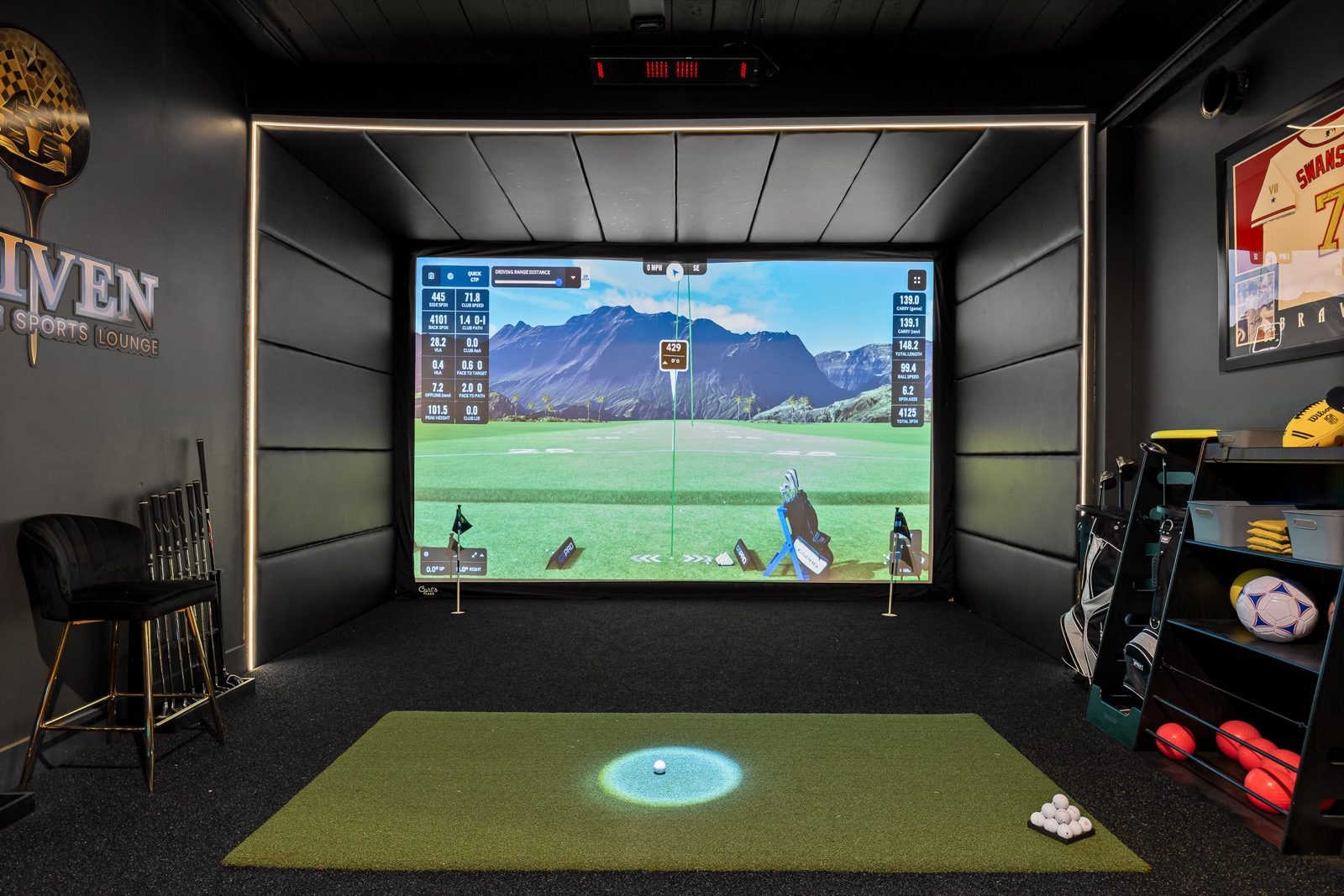
Golf simulator displaying a virtual course for practice and course play

Should I optimize the simulator for practice or for playing courses?

Choose the primary use first. Practice-focused golfers usually value dependable ball and club data, fast shot review, swing cameras, structured drills, and a repeatable hitting surface. Course-play users often place more value on screen size, graphics, sound, seating, easy multiplayer use, and software variety. A good custom design can support both, but the budget should favor the experience you will use most.

Can one simulator be excellent for both game improvement and entertainment?

Yes. The key is not treating either use as an afterthought. A strong dual-purpose room combines accurate tracking, useful data displays, comfortable lighting, simple software controls, a large image, good audio, seating, and enough circulation space for multiple players. The launch monitor and hitting area support practice; the screen, projector, software, and room design create the entertainment experience.

How does family or guest use change the design?

Guest-friendly rooms need simple controls, clear safety zones, comfortable seating, durable finishes, easy club storage, and software that offers games beyond traditional stroke play. Mixed handedness and different golfer heights should be considered early. The goal is to let a new user understand where to stand, how to start, and what to do without requiring the owner to troubleshoot every session.

What changes if I want coaching or club fitting?

Coaching and fitting place more weight on measured club delivery, reliable spin, repeatable calibration, high-speed swing video, lighting control, camera angles, data export, and enough room for an instructor to stand safely. A fitting-oriented room may also need storage for shafts and heads, a dedicated display for data, and a layout that keeps the coach out of the golfer’s swing path.

What makes a simulator room feel premium instead of merely functional?

A premium room feels intentional. The screen fills the front wall cleanly, the image is bright and properly proportioned, flooring transitions are flush, equipment and cables are concealed, lighting is layered, acoustics are controlled, seating has a clear view, and controls are easy to reach. The difference is usually coordination—not one luxury product.

03

The Tracking System

Choose The Right Launch Monitor

Launch monitors use different sensing methods and create different room requirements. Compare the entire ownership experience, not only the data list on a product page.

When is a camera-based system a better choice than radar?

Camera-based systems are often a strong fit in dedicated indoor rooms because they measure the ball close to impact and generally need less ball-flight distance. They can work well in shorter rooms and may offer overhead mounting that keeps equipment out of the hitting area. Radar can be attractive when the unit will also travel outdoors, but indoor radar performance is more dependent on depth, alignment, and ball-flight distance.

When is a ceiling-mounted launch monitor worth it?

A ceiling-mounted system is valuable when you want a clean hitting area, fast switching between golfers, no floor unit to move, and less risk of equipment being struck. It is especially useful for families, commercial bays, and rooms shared by left- and right-handed players. The tradeoff is that the unit is dedicated to the room and requires correct structure, mounting height, power, data, and calibration.

How much launch-monitor accuracy do I actually need?

You need consistency and accuracy that match your purpose. A casual player may be satisfied with reliable ball flight and distance, while a serious player, instructor, or fitter may require measured spin axis, club path, face angle, impact location, and dependable short-game performance. More data is only valuable when it is measured well and you know how to use it.

Which matters more: ball data or club data?

Ball data determines the simulated shot and should be the first priority. Club data explains why the ball behaved that way and is especially useful for lessons, practice, and fitting. For course play, excellent ball measurement may be enough. For improvement, measured club delivery can shorten the path from “what happened” to “what caused it.”

Do I need marked, dotted, or special golf balls?

It depends on the tracking technology. Many camera-based systems work with a clean standard ball. Some compact camera systems use dotted balls for best results. Indoor radar systems may require a metallic sticker or benefit from an RCT ball so spin can be measured more reliably in limited flight. Ball requirements should be checked for the exact model, software version, and indoor setup before purchase.

Do I need stickers or sensors on my clubs?

Some systems require reflective clubface markers to capture full club data, while others use image recognition or radar without club stickers. Markers are usually small and inexpensive, but they add setup and maintenance. If the room will be used by many guests or a commercial operation, sticker-free club tracking can make the experience easier. If detailed club data is essential, focus on the quality of the measurement rather than avoiding a small marker at all costs.

Current examplesRequirements can change by model, software, and firmware.

Launch monitor examples

SystemBall guidanceClub-marker guidanceBuying note
ProTee VXStandard clean golf ballsNo club stickers requiredOverhead camera system; verify current software and lighting requirements.
Foresight Falcon / GCQuad / QuadMAX / GCHawkStandard clean golf ballsReflective club markers for full club dataBall data can be captured without club markers; model features and licenses vary.
Uneekor EYE XO / EYE XO2Standard clean golf ballsReflective clubface stickers on current product guidanceUneekor is introducing AI-based club capture in some packages; confirm the exact model and software.
FlightScope indoor radar systemsStandard ball with metallic sticker, or compatible RCT ballNo clubface sticker for radar club dataIndoor spin capture depends on ball marking and available flight distance.
TrackMan 4 indoorsStandard ball works; RCT recommended for enhanced indoor spin captureNo clubface sticker normally requiredTrackMan iO uses different indoor technology and works with any ball.
Square Golf HomeDotted ball system / follow current ball guidanceModel-specificSquare Golf Omni uses a different multi-camera platform; confirm requirements by model.

Technology examples were reviewed against manufacturer guidance in July 2026. Confirm the exact model before ordering. ProTee · Foresight · Uneekor · FlightScope · TrackMan · Square Golf.

Why does the hitting-zone size matter?

A larger hitting zone gives players more freedom to tee the ball, hit from different mat sections, switch handedness, and use putting or specialty surfaces. A small zone can still work well for one golfer, but it requires more precise ball placement. Commercial facilities and family rooms generally benefit from a larger or clearly marked hitting area because it reduces missed shots and user confusion.

How important is putting performance?

Putting matters if you expect to finish holes rather than use automatic putting. Evaluate how the system reads slow ball speed, launch direction, and off-center placement, and whether the software’s putting model feels natural. The physical floor also matters: the ball should roll smoothly from the putting surface through the launch monitor’s read area without seams or elevation changes.

Should I buy one device for indoor and outdoor use?

A portable indoor/outdoor unit can be a smart value when range practice is a major priority. The compromise is that portable radar or floor units may need more room, must be positioned correctly each session, and can slow left/right switching. A dedicated overhead unit usually creates the cleanest indoor experience. Decide whether portability or permanent convenience matters more.

What should I know about subscriptions and software ecosystems?

The hardware price is only part of ownership. Review required subscriptions, included courses, third-party software compatibility, online play, commercial licensing, device activation rules, transfer policies, and what happens if a subscription expires. A less expensive launch monitor can become more costly over time if essential features require recurring plans.

04

The Image System

Projector, Resolution & Aspect Ratio

The projector must be selected from the room geometry, screen shape, lighting, and desired image—not from resolution alone.

Is 4K really worth the extra money?

4K is most noticeable on large screens, when viewers sit relatively close, when the computer can render at 4K, and when the simulator is also a premium media room. It improves text, course detail, foliage, and the overall polish of the image. It is not automatically the best use of budget in every room; a bright, correctly positioned 1080p projector can outperform a dim or poorly matched 4K projector.

How bright should the projector be?

Brightness depends on screen size, screen color, ambient light, throw distance, and how dark the room can become. Larger screens and rooms with lights on require more usable light output. Manufacturer lumen ratings are not always directly comparable, so the projector should be evaluated as part of the complete room. The target is a bright image without washing out blacks or forcing the room to be uncomfortably dark.

What is throw ratio, and why does it matter?

Throw ratio describes how wide an image a projector creates from a given distance. It determines whether the projector can fill the screen from a safe mounting location without landing in the golfer’s swing path or casting a large shadow. A projector can have excellent specifications and still be wrong for the room if its lens cannot create the required image at the available distance.

Should I choose a laser or lamp projector?

Laser projectors are usually preferred for permanent simulators because they start quickly, maintain brightness more consistently, produce less maintenance, and are rated for long operating life. Lamp projectors can reduce upfront cost and may still be appropriate for lighter use. For commercial facilities or frequent home use, reduced maintenance often makes laser the better long-term choice.

How do you prevent shadows and protect the projector?

The projector is placed so the light path clears the golfer and the club while still filling the screen. That often means a short-throw ceiling mount located near or slightly ahead of the hitting position, but the correct location depends on the lens and room. Structural mounting, cable routing, lens offset, heat clearance, and a protective enclosure may also be required.

Which aspect ratio gives the best image for my room?

The best aspect ratio is the one that uses the available wall and ceiling height without leaving large unused borders or forcing the projector to crop and stretch the image. Wide 16:9 screens create a cinematic look but need substantial width. Taller 16:10 or 4:3 designs can make better use of narrower rooms. The screen, projector resolution, software output, and room dimensions should all use the same planned ratio.

05

Where Every Shot Lands

Impact Screen & Hitting Area

The screen and mat absorb thousands of impacts. Their quality directly affects safety, sound, image quality, comfort, and replacement cost.

Should I choose a gray or white impact screen?

White screens usually deliver the brightest, most neutral image. Gray screens can improve perceived black levels and reduce the appearance of dirt in rooms with some ambient light, but they require enough projector brightness. The right choice depends on the room’s lighting, projector output, desired appearance, and how the screen material behaves under impact.

What is the difference between standard and premium screen material?

Premium material generally improves image smoothness, noise control, durability, and resistance to visible ball marks. It may also reduce light transmission and produce a more finished appearance. The screen should be selected for expected ball speed and usage. A residential practice room and a high-volume commercial bay do not place the same demands on the fabric.

How do you reduce screen bounceback?

Bounceback is controlled by screen material, tension, distance to the wall, side attachment method, bottom restraint, and the energy-absorbing space behind the screen. A screen pulled drum-tight can rebound the ball aggressively; one that is too loose can billow and distort the image. The goal is controlled movement with enough clearance for the screen to absorb impact safely.

Why do some impact screens wrinkle or develop waves?

Wrinkles can come from uneven attachment spacing, insufficient side tension, overly loose bottom edges, material stretching, temperature changes, or a frame that is not square. The screen should be tensioned evenly and allowed to move under impact. Minor waves are normal in impact fabric, but major distortion usually indicates an installation or sizing problem.

Should the screen be fixed or retractable?

A fixed screen creates the cleanest image, strongest protection, and most reliable tension in a dedicated room. A retractable screen preserves garage parking or allows the space to serve another purpose, but requires careful planning for side protection, bottom restraint, wrinkles, and storage. Retractable systems are useful compromises, not identical replacements for permanent enclosures.

Is the hitting mat worth investing in?

Yes. The mat affects joint comfort, club interaction, tee use, stability, and how often you want to practice. A mat that is too firm can punish wrists and elbows; one that is too soft can hide fat shots. High-use rooms often benefit from a replaceable hitting strip so the most worn area can be serviced without replacing the entire floor.

How do you make the mat, turf, and putting surface feel seamless?

Plan the finished elevations before ordering materials. Foam subfloor, turf backing, hitting-strip thickness, adhesive, ramps, and putting components must be calculated together. A flush transition reduces trip hazards, improves putting, and makes the room look built-in. Trying to correct height differences after installation usually creates visible edges or soft spots.

06

Build The Whole Room

Lighting, Acoustics & Comfort

A simulator is a technology system inside a building. The room must support the equipment, the golfer, and everyone watching.

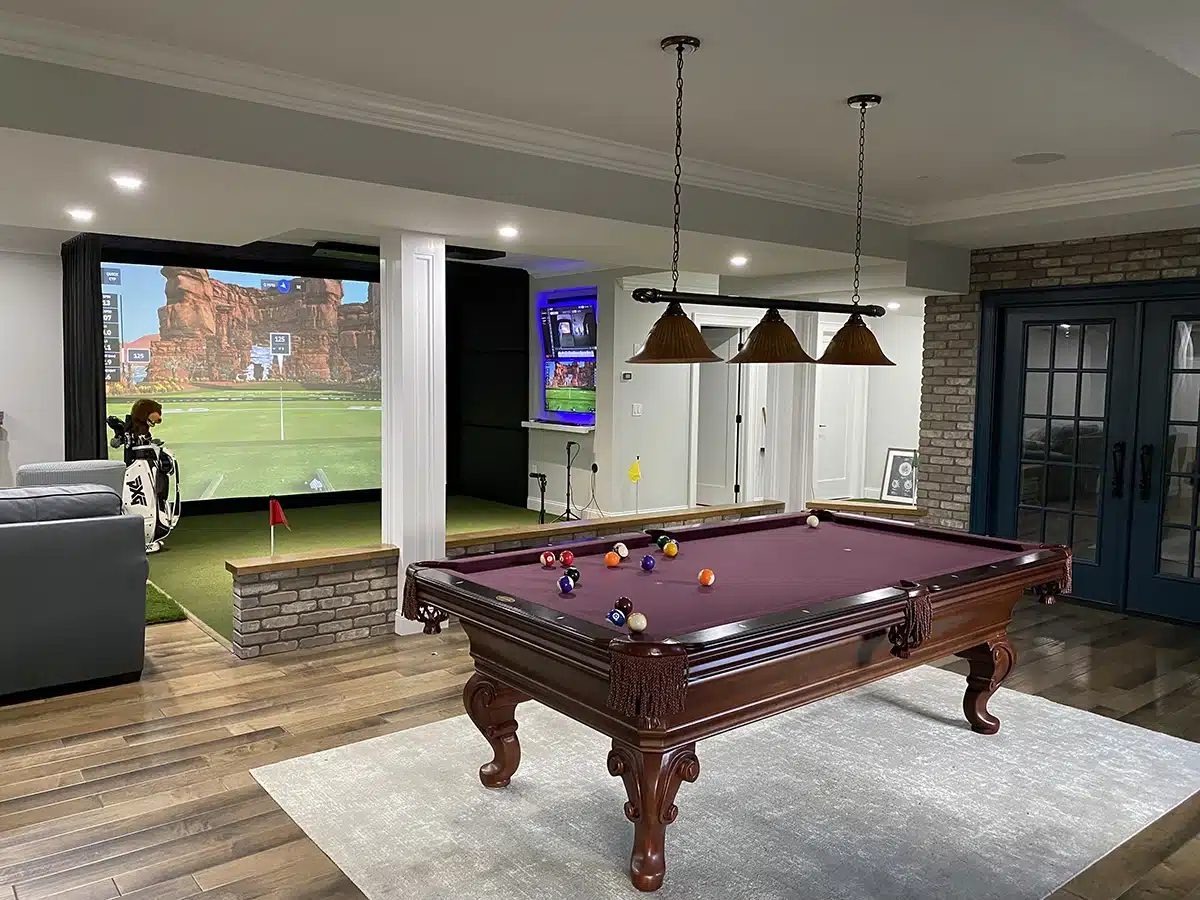
Premium home golf simulator room with seating and entertainment features

What is the best lighting plan for a simulator room?

Use zones. Keep direct light off the impact screen, provide controlled light over the hitting area, add soft circulation and seating light, and use dimming or smart scenes for practice, course play, cleaning, and entertaining. The launch monitor’s camera requirements must be considered separately from what looks good to the human eye.

Are acoustic panels worth adding?

They are valuable when the room has hard walls, high ceilings, nearby bedrooms or offices, or multiple simulator bays. Acoustic treatment reduces echo and improves speech, television sound, and overall comfort. It does not replace impact protection or true sound isolation, but it can make a dramatic difference in how refined the room feels.

Do I need dedicated heating, cooling, or ventilation?

A golfer, gaming computer, projector, televisions, lighting, and several guests can add substantial heat. Garages, detached structures, and commercial bays often need dedicated climate control rather than relying on an adjacent room. Comfortable temperature and humidity protect people, electronics, turf, and finishes and make year-round use realistic.

Are swing cameras worth including?

They are worth it for golfers who practice seriously, take remote lessons, compare swing changes, or want visual feedback beside launch data. Camera value depends on frame rate, shutter speed, lighting, placement, lens angle, and software integration. A poorly placed camera adds clutter; a properly planned face-on and down-the-line system can become one of the most useful training tools in the room.

Where should televisions and speakers go?

Place displays where seated guests and the golfer can see them without entering the swing area or competing with the projected image. A side display can show data, swing video, television, or booking information. Speakers should provide even sound without sitting in common ball-strike zones. Wiring and blocking should be installed before finishes.

What electrical and data work should happen before drywall?

Plan dedicated or appropriately sized circuits, projector power, launch-monitor power and data, computer location, television outlets, camera cabling, lighting control, network connections, HVAC power, and future conduit. Low-voltage cables should be separated from high-voltage wiring where required. Correct rough-in work makes the finished installation cleaner and easier to service.

How do I future-proof the room?

Use accessible conduit, service loops, replaceable cables, standard network wiring, extra blocking, spare electrical capacity, a computer location with ventilation, and mounting zones that can accept different equipment. Avoid burying proprietary cables where they cannot be replaced. Future-proofing does not mean predicting every product; it means making changes possible without rebuilding the room.

07

Spend With Purpose

Cost, Value & Ownership

A custom simulator is a combination of equipment, construction, labor, software, and long-term support. Understand where the money goes before comparing totals.

What usually drives the cost of a simulator project?

The largest variables are launch monitor, projector, computer, screen size, enclosure and protection, flooring, electrical, HVAC, construction, room finishes, displays, cameras, software, and site conditions. Commercial durability and multiple bays add another layer. Two rooms with the same launch monitor can have very different total costs because the building work and finish level are different.

Where should I spend more, and where can I save?

Spend on safety, accurate tracking, a comfortable hitting surface, correct projector geometry, reliable computing, electrical infrastructure, and components that are difficult to replace. Save on decorative elements that can be upgraded later, overly complex controls, or technology features you will not use. The best value is a system designed around your priorities rather than the longest equipment list.

Which upgrades tend to deliver the most noticeable value?

Common high-impact upgrades include a larger properly proportioned screen, brighter or higher-resolution projection, a better hitting mat, overhead tracking, swing cameras, improved lighting control, acoustic treatment, flush flooring, and climate control. The right upgrade depends on the weak point in the planned room. Improving an already strong component while ignoring a major compromise rarely creates the best experience.

What ongoing ownership costs should I expect?

Plan for software subscriptions, course or commercial licenses, replacement golf balls, club or ball markers when required, screen wear, hitting-strip wear, projector or filter maintenance, computer upgrades, network service, cleaning, and occasional calibration or support. Commercial operators should also budget for spare cables, peripheral replacements, and faster wear from guest use.

Which parts normally wear out first?

The impact screen and the hitting area receive the most physical abuse. Tees, turf seams, club markers, ball markers, keyboard or touchscreen controls, cables near users, and projector filters may also need service. Equipment life improves when clean undamaged balls are used, the screen is tensioned correctly, the hitting strip is replaceable, and electronics have ventilation and surge protection.

08

Built For Business

Commercial Buying Decisions

A commercial bay is not simply a home simulator used more often. It must be durable, intuitive, serviceable, and designed around operations.

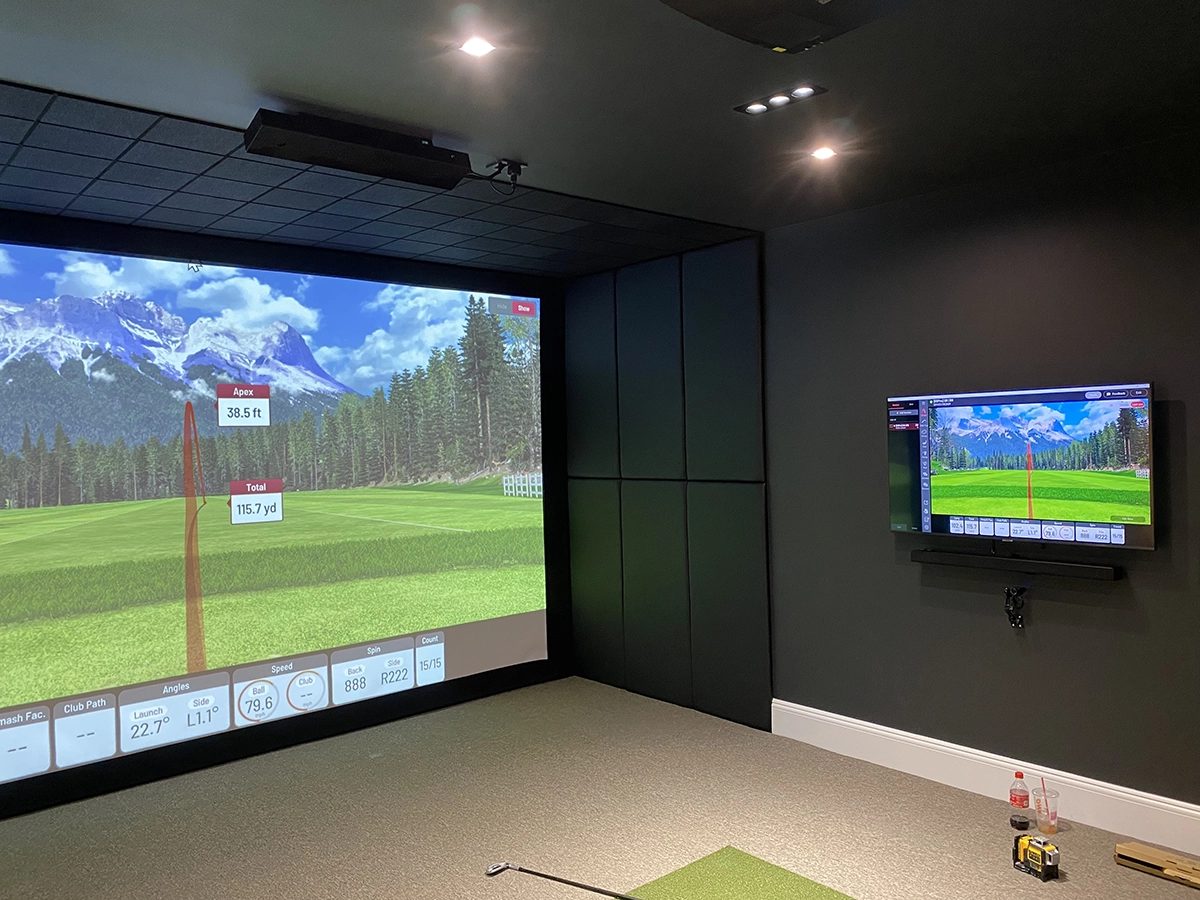
Finished golf simulator installation suitable for a premium commercial bay

What should a commercial operator decide before choosing equipment?

Define the business model, target customer, peak group size, hours, staffing, food and beverage plan, leagues, lessons, memberships, private events, and expected rounds per bay. Those decisions shape bay width, seating, controls, software licensing, technology, storage, networking, sound, and service access. Equipment selection should support the operating model—not define it after the lease is signed.

Which components need true commercial-grade durability?

Prioritize the screen, hitting strip, flooring, side and ceiling protection, mounts, user controls, cabling, computer cooling, furniture, and any item guests touch. Launch monitor and projector choices should also support long operating hours and straightforward service. A beautiful room that requires frequent shutdowns is not commercially successful.

How should a private bay differ from an open bay?

A private bay can justify more space, enhanced seating, premium finishes, independent sound, dedicated displays, privacy, and flexible use for lessons, corporate groups, or members. It may also need separate access and stronger acoustic separation. The bay should feel meaningfully different rather than simply being the same layout behind a door.

How do you reduce downtime and make bays easier to service?

Standardize equipment where practical, label cables and network ports, keep computers and power accessible, use replaceable hitting strips, maintain spare peripherals, provide remote support access, and design mounts so equipment can be serviced without dismantling protection. Document software accounts, licenses, calibration, and restart procedures. Serviceability should be designed before opening day.

Your Room. Your Goals. Your Budget.

Turn The Guide Into A Real Plan.

Send us your room information and project goals. We will help you narrow the technology, identify construction needs, and build an itemized plan around the experience you actually want.